> For the complete documentation index, see [llms.txt](https://creco-1.gitbook.io/docs/llms.txt). Markdown versions of documentation pages are available by appending `.md` to page URLs; this page is available as [Markdown](https://creco-1.gitbook.io/docs/guide/en/episode/text.md).
# Text Editing
{% hint style="info" %}
Screenshots reflect the Korean UI.
{% endhint %}
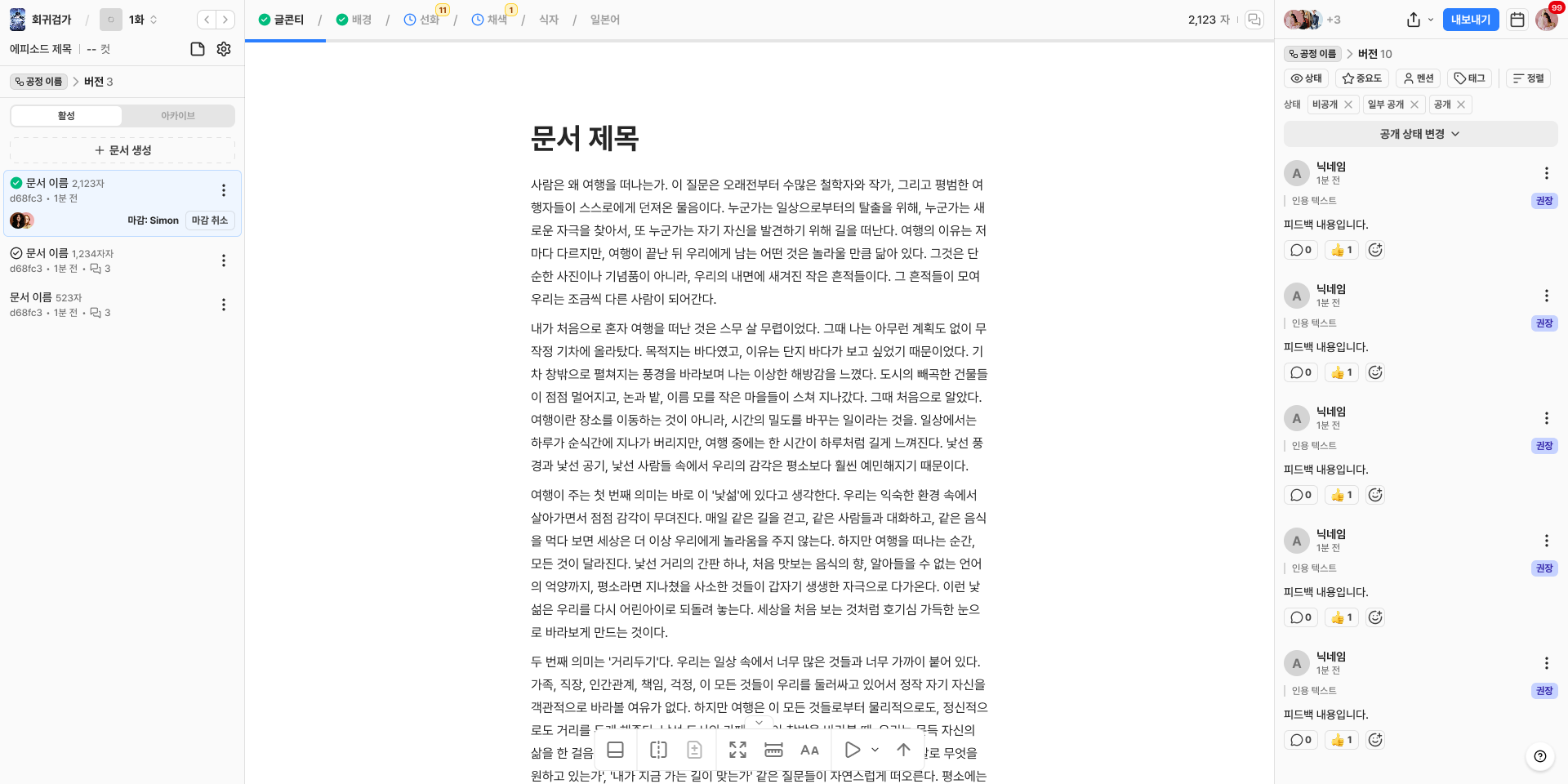
Entering an episode with a **`Text`** type process switches to the editor instead of the image viewer.
## Adding Blocks
* The title field shows the **`Enter a title`** placeholder, and the body shows the **`Type content, or press '/' to add a block`** placeholder.
* Typing `/` opens the block menu, letting you add any of the 11 block types below.
1. **`Text`**
2. **`Heading 1`**
3. **`Heading 2`**
4. **`Heading 3`**
5. **`List`**
6. **`Numbered List`**
7. **`Checkbox`**
8. **`Quote`**
9. **`Table`**
10. **`Divider`**
11. **`Image`**
## Editing Blocks
* Clicking the block handle on the left of a block shows the **`Convert`**, **`Copy`**, **`Duplicate`**, and **`Delete`** menu.
* Image blocks additionally provide the **`Size`** (small / medium / large), **`Sort`** (left / center / right), **`Replace`**, and **`Download`** menus.
{% hint style="info" %}
The **`Image`**, **`Table`**, and **`Divider`** blocks do not appear in the conversion menu, and the conversion menu itself is not shown for these three blocks.
{% endhint %}
## Text Formatting
Selecting text shows a formatting toolbar. The toolbar includes bold, italic, underline, and strikethrough icons, color, and the **`Feedback`** menu.
* You can choose the color from **`Text`**, **`Background Color`**, or **`Initialize`**.
## Editing Tables
* Opening the menu in a table cell lets you choose **`Insert row above`**, **`Insert row below`**, **`Delete row`**, **`Insert column left`**, **`Insert column right`**, or **`Delete column`**.
* You can also specify **`Text`** and **`Background Color`** for cells.
## Collaborative Editing
* You can see the avatars of members editing in real time, and content is reflected in real time.